
공식 패키지 · 프레임워크
Livewire용 실시간 컴포넌트
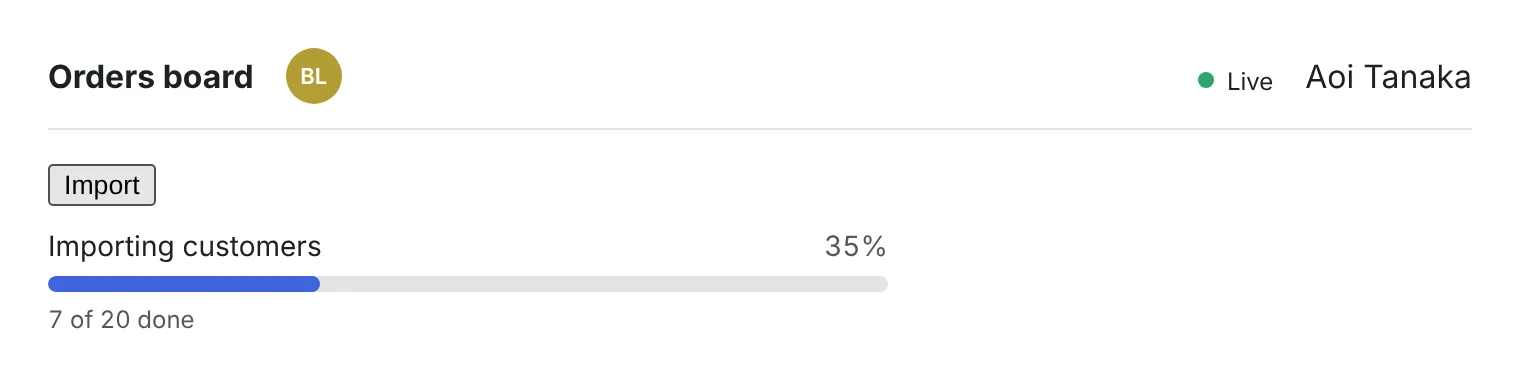
Livewire 3과 4에 바로 넣을 수 있는 세 가지 구성 요소: 같은 페이지에 있는 사람들의 아바타, 큐가 작업하는 대로 움직이는 작업 배치 진행 막대, 실시간 연결 상태를 보여 주는 표시등입니다.


hibira-io/livewirePackagist ↗GitHub ↗
가장 빠른 방법: Hibira 플러그인과 프롬프트 하나
AI 코딩 에이전트에 플러그인을 설치하고 프롬프트를 붙여 넣으세요. 에이전트가 로그인하고, 필요하면 무료 앱을 만들고, 코드를 작성한 뒤 테스트 이벤트를 보냅니다. GitHub ↗
플러그인 설치
claude plugin marketplace add hibira-io/agent-plugin
claude plugin install hibira@hibira
이 프롬프트 붙여 넣기
Add Hibira Livewire (hibira-io/livewire) to this project.
Follow https://hibira.io/guides/livewire, adapted to how this project is already set up.
If I have no Hibira app yet, create a Free one that allows http://localhost so I can test right away.
Keep the app key and secret in environment variables, add placeholders to .env.example, and never commit real values or send the secret to a browser.
When you are done, send a test event, show me it arriving, and list the files you changed.
- <x-hibira-whos-here />는 같은 페이지나 룸에 있는 로그인 사용자를 프레즌스 채널로 실시간 표시합니다.
- <livewire:hibira-batch-progress :batch="$id" />는 wire:poll 없이 Bus::batch()를 따라갑니다. 작업이 끝날 때마다 갱신되고 마지막에 hibira-batch-finished를 발생시킵니다.
- Laravel 10~13을 지원하며, 텍스트는 영어, 번체·간체 중국어, 일본어, 한국어, 태국어, 베트남어로 제공됩니다.
로그인하면 예제 코드에 내 클러스터 호스트가 채워집니다. 로그인
설치
composer require hibira-io/livewire
php artisan hibira:install
npm install laravel-echo pusher-js
사용하기
<x-hibira-connection-status label />
<x-hibira-whos-here />

{{-- $batchId from Bus::batch([...])->dispatch()->id --}}
<livewire:hibira-batch-progress :batch="$batchId" />
시작하기 전에
- 앱 시크릿은 앱을 만들거나 시크릿을 교체할 때 한 번만 표시됩니다. 서버에만 두고, 브라우저나 게임 빌드에는 절대 넣지 마세요.
- 컴포넌트는 hibira:install이 resources/js/echo.js에 작성하는 window.Echo를 사용합니다. resources/js/app.js에서 가져오세요.
- 배치 진행 상황은 큐에서 전송됩니다. php artisan queue:work를 계속 실행해 두세요.
대시보드의 앱 키를 사용하세요. 시크릿은 서버에만 둡니다. 채널, 이벤트, 인가 엔드포인트는 Pusher와 똑같이 동작합니다. 무료 계정 만들기 →