
官方包 · 框架
Livewire 实时组件
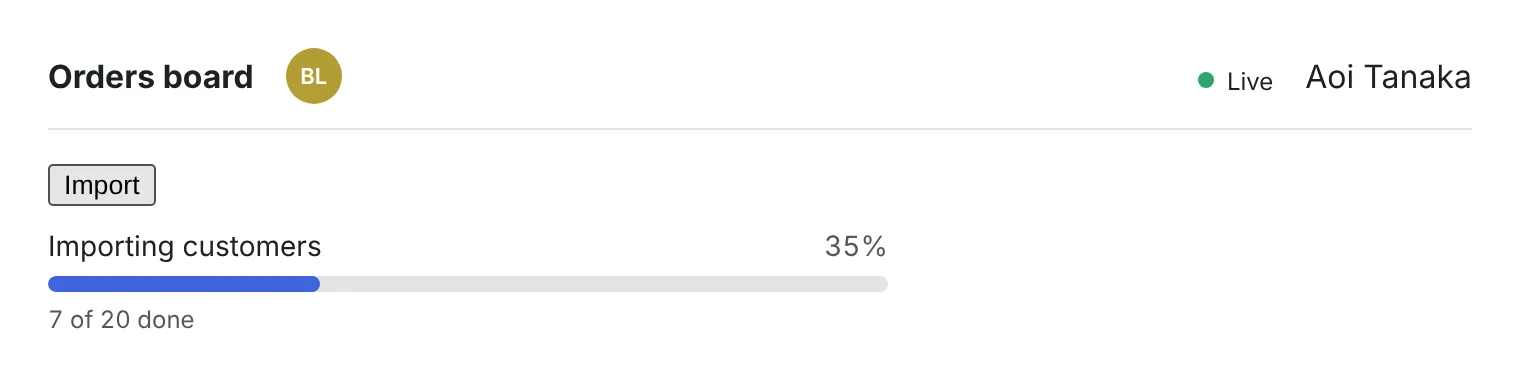
三个可直接放进 Livewire 3 和 4 的组件:同一页面上有谁的头像、随队列处理而前进的任务批次进度条,以及显示实时连接是否正常的指示灯。


hibira-io/livewirePackagist ↗GitHub ↗
最快的方式:装好 Hibira 插件,粘贴一段提示词
在你的 AI 编程助手装好插件,再粘贴提示词。助手会帮你登录、需要时创建免费应用、写好代码并发送测试事件。 GitHub ↗
安装插件
claude plugin marketplace add hibira-io/agent-plugin
claude plugin install hibira@hibira
粘贴这段提示词
Add Hibira Livewire (hibira-io/livewire) to this project.
Follow https://hibira.io/guides/livewire, adapted to how this project is already set up.
If I have no Hibira app yet, create a Free one that allows http://localhost so I can test right away.
Keep the app key and secret in environment variables, add placeholders to .env.example, and never commit real values or send the secret to a browser.
When you are done, send a test event, show me it arriving, and list the files you changed.
- <x-hibira-whos-here /> 通过 presence 频道,实时显示同一页面或房间里已登录的人。
- <livewire:hibira-batch-progress :batch="$id" /> 不用 wire:poll 就能跟踪 Bus::batch():每完成一个任务就更新,结束时发出 hibira-batch-finished。
- 支持 Laravel 10 到 13,界面文字有英文、繁体和简体中文、日文、韩文、泰文和越南文。
登录后,示例代码会自动填入您的集群主机。 登录
安装
composer require hibira-io/livewire
php artisan hibira:install
npm install laravel-echo pusher-js
使用
<x-hibira-connection-status label />
<x-hibira-whos-here />

{{-- $batchId from Bus::batch([...])->dispatch()->id --}}
<livewire:hibira-batch-progress :batch="$batchId" />
开始之前
- 应用密钥只会在创建应用或轮换密钥时显示一次。请只放在服务器上,不要放进浏览器或游戏的构建包。
- 组件使用 hibira:install 写在 resources/js/echo.js 的 window.Echo:请在 resources/js/app.js 中导入它。
- 批次进度是从队列广播的:请保持 php artisan queue:work 运行。
请使用控制台中应用的 Key;Secret 只放在你的服务器上。频道、事件与授权端点的用法与 Pusher 完全相同。 免费创建账号 →